How to Replace LG Refrigerator Water Filter in LT700P Models
If your LG refrigerator is flashing a filter light, or the water is starting to taste flat, you probably want to change the cartridge today. Knowing how to replace an LG refrigerator water filter the right way keeps your ice and water clean and helps you avoid slow flow or leaks. To replace an LT700P, you release the housing at the back left of the fresh food section, pull the old cartridge down and out, seat the new one, flush about 2.5 gallons of water, and reset the filter light.
The catch is that LG uses several filter styles. The LT700P fits many French door models, but it does not fit every LG refrigerator. Before you pull anything, check your refrigerator model number and the label on your current filter. Filter location, release method, and reset steps all change from one cartridge family to the next.
Once you confirm you have an LT700P, the job takes about 15 minutes and needs no tools. You will know where the housing sits, how to release it without forcing it, how long to flush the new cartridge, and what to do if something sticks, drips, or sputters.
Does Your LG Refrigerator Use an LT700P?
Your refrigerator uses an LT700P only if its model number or the label on the current cartridge says so. Many LG French door models with an interior filter at the top left of the fresh food section use it. Plenty of other LG models use a different cartridge in a different spot.
Read the LT700P Label or Your Model Number
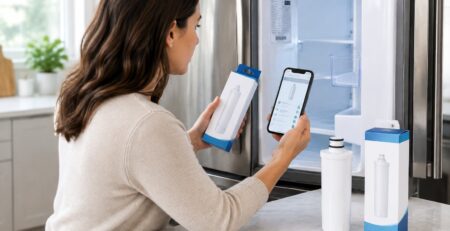
Start with the old filter, since the part number is printed on the cartridge itself. Look for “LT700P” on the label. You may also see the LG part number ADQ36006101 printed near it.
If the label is worn or missing, find the refrigerator model number. On most LG models, the rating sticker sits on an inside wall of the fresh food section. Then run that number through a filter cross-reference tool to see which cartridge matches.
Once you know the part number, you can compare original and compatible options. If you still can’t match the model, ask the seller to match it for you before ordering.
Do Not Substitute LT500P or LT600P Based on Appearance
LG filters look similar in photos, but they do not swap with each other. Each cartridge family has its own shape, locking tabs, and release method:
- LT500P: Sits behind the lamp cover at the top of the fresh food section. You twist it left until the unlock symbol lines up, then pull it down.
- LT600P: Uses a knob that you rotate counterclockwise until the cartridge clicks free.
- LT700P: Sits in a drop-down housing that you release with a push button.
- LT800P and LT1000P: Often sit behind the bottom door bin and twist counterclockwise off the filter head. Some LT800P and LT1000P models use the same push-button release as the LT700P.
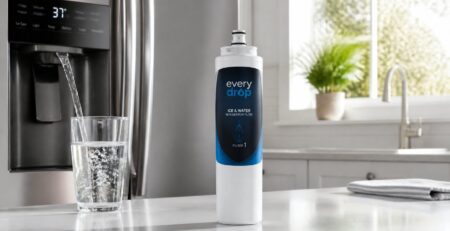
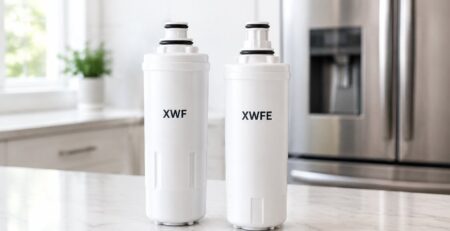
A filter from another brand won’t fit either, even if it looks close. Cartridges such as the GE XWF, the GE MSWF, and EveryDrop Filter 1 (EDR1RXD1) are built for other refrigerators. A wrong cartridge can leak, stay loose in the housing, or bypass filtration.
Remove the Old LT700P and Install the Replacement
You can swap an LT700P by hand in a few minutes once the housing has room to drop down. The steps below follow LG’s own instructions for this cartridge. If your owner’s manual says something different for your model, follow the manual.
Find the Filter Housing and Prepare for Drips
The LT700P housing sits at the far back left of the fresh food section, near the ceiling of the cabinet. It hangs down from the top wall of the refrigerator. Before you start, gather a towel and a cup or small bowl.
Get the area ready:
- Close the water supply valve that feeds the refrigerator, if your manual calls for it.
- Press the dispenser paddle for a few seconds to drain water left in the line.
- Remove the top left shelf or anything else that blocks the housing from swinging all the way down.
- Place a towel or cup under the housing to catch drips and keep the floor from getting slick.
Some LG models let you change the filter with the water still on. LG’s filter replacement instructions say to check your owner’s manual first. If you aren’t sure, closing the valve is the safer choice.
Release the Old Cartridge Using Your Model’s Instructions
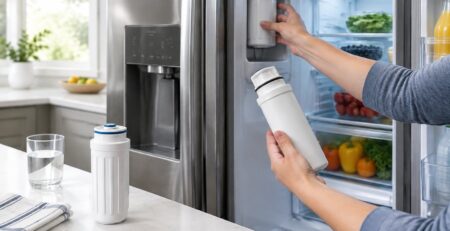
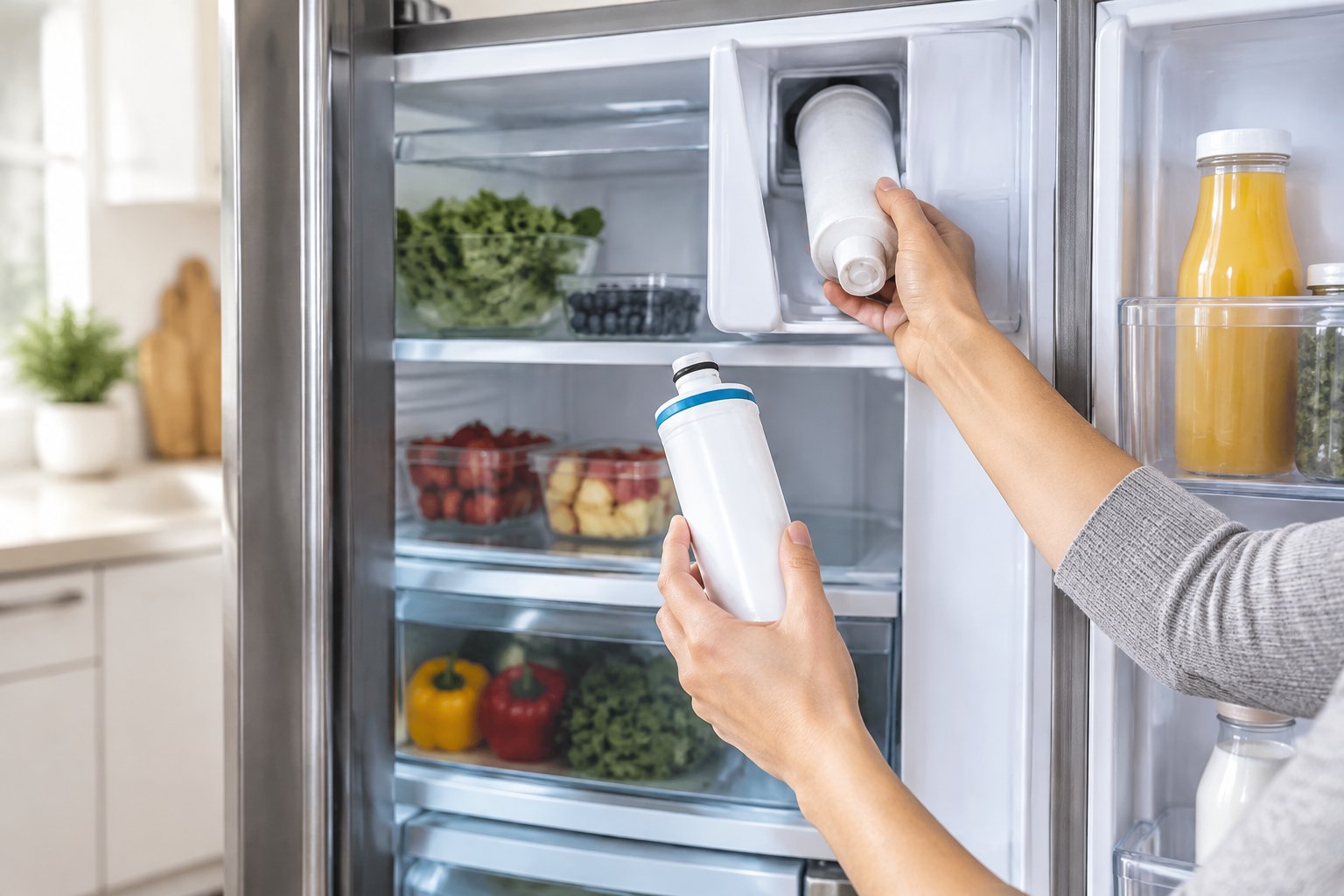
On the LT700P, a push button releases the housing. Press the button on the filter housing, and the housing will drop downward. Pull it all the way down so the cartridge is fully exposed.
Next, grip the old cartridge and gently pull it toward you. It will release and pop out of the housing. Expect a small amount of water to drain at this point, so keep the cup or towel in place.
Look at the old filter before you throw it away. Confirm that the label reads LT700P, and note the date you installed it if you wrote it down. That tells you if you’re changing it on a healthy six-month schedule or pushing it too long.
How to Replace LG Refrigerator Water Filter Without Forcing the Cartridge
The new LT700P should slide into place with light, steady pressure. Take off the packaging and the protective cap from the new cartridge. Line up the cartridge with the housing so it goes in straight, then push it in completely.
Then swing the housing back up until it locks and the push button sits flush. If the cartridge turns or seats with a twist on your model, turn it clockwise until the lock mark lines up with the reference line. Put back the shelf you removed.
Stop if the cartridge meets hard resistance. Pull it out, check that the tabs line up with the slots, and push it in straight again. Forcing a crooked filter can crack the housing or damage the seal, and both lead to leaks.
Flush 2.5 Gallons and Reset the LT700P Light
A new LT700P needs about 2.5 gallons (9.5 liters) of flushing before you drink from it. After that, you reset the filter light so the refrigerator starts counting toward the next change.
Restore Water Flow, Check for Leaks, and Flush the System
Open the water supply valve slowly. Watch the filter housing for a minute or two and look for drips or a wet shelf. A slow turn of the valve puts less stress on a fresh seal.
LG recommends dispensing approximately 2.5 gallons of water through the new filter, and its guide breaks that into short bursts rather than one continuous run:
- Dispense water for 30 seconds.
- Pause for 60 seconds.
- Repeat until you’ve run water for a total of 5 minutes.
The first water may sputter, look cloudy, or carry tiny black specks. Those specks are usually fine carbon particles from inside the cartridge. They clear out as you flush, and the sputtering stops once the trapped air leaves the line. Filtered water right from the door is one of the main fridge water filter benefits, so the flush is worth doing fully.
Other filters may call for a different flush amount. Always check the instructions that come with your replacement cartridge.
Reset the Water Filter Light if Your Model Has One
On most LG models with an LT700P, you press and hold the Water Filter or Filter Reset button on the control panel for 3 seconds. The reset is complete when you hear a chime or the indicator turns off.
Button names and menus vary by model. Some panels put the reset under a settings menu, and some models show filter status on a display. If holding the button for 3 seconds does nothing, check your owner’s manual for the exact steps.
Resetting the light doesn’t change the filter. It only restarts the timer. That’s why you should reset it right after a change and not before.
What if the LT700P Sticks or the Water Flows Slowly?
Most LT700P problems come from a cartridge that isn’t fully seated. Poor alignment causes a filter that won’t come out, a housing that won’t lock, and slow or sputtering water. Fix the fit first before you assume the filter or the refrigerator is faulty.
Check Alignment Before Trying to Turn a Stuck Filter
If the old cartridge won’t release, make sure the housing is pulled all the way down. A housing that only drops partway leaves the cartridge caught. Clear anything above or beside it, like the top left shelf or a tall food container.
Then pull the cartridge straight toward you with steady pressure. Don’t pry it with a screwdriver or twist it hard, since that can snap the tabs. If the housing won’t drop at all after you press the button, the button may be jammed, and you should contact LG service.
For a new cartridge that won’t seat, remove it and look at the tabs and the housing slots. Push it in straight, without any angle. A filter that only goes in partway will also block the housing from locking closed.
Check the Seal and Flush Again if Water Leaks or Sputters
A drip at the housing usually means the cartridge isn’t locked or the protective cap is still on. Close the water valve, release the housing, and check both. Reseat the filter and swing the housing up until it clicks.
Slow flow or air bubbles right after a change usually point to trapped air. Run another round of the 30 seconds on, 60 seconds off cycle. If the water still tastes odd, confirm the filter is fully inserted and locked.
If flow stays weak after a second flush, check that the supply valve is fully open. Also confirm that the cartridge is a true LT700P match for your model. A mismatched filter often fits poorly and restricts flow.
Finish the LT700P Change With a Leak Check
Your LT700P change is done once the housing stays dry, the water runs clear, and the filter light is reset. About an hour after the swap, open the fresh food section and run a finger along the housing and the shelf below. Check it once more the next day to catch any slow drip.
Write the install date on a piece of tape near the housing, or add it to your phone calendar. LG recommends a new filter about every six months, or sooner if flow slows or taste changes. Keeping a spare LT700P on hand makes the next change quick.
When it’s time to reorder, check each product page for its specific NSF or WQA claims before you buy. Find your LT700P with the refrigerator filter lookup tool at FilterForFridge.com, with free shipping in the lower 48 states and an optional six-month replacement reminder by email.
Frequently Asked Questions
Should I Close the Water Valve Before Changing an LT700P?
Some LG models let you change the filter with the water supply on. LG advises checking your owner’s manual first. If the manual isn’t clear, close the supply valve and drain the line to limit drips.
Where Is the LT700P Filter in an LG French Door Refrigerator?
The LT700P housing sits at the far back left of the fresh food section, near the top of the cabinet. You may need to remove the top left shelf so the housing can drop all the way down. Other LG filters sit in different spots, so confirm your cartridge first.
Why Won’t the Old Filter Come Out of My LG Refrigerator?
The housing is usually not pulled all the way down, or a shelf is blocking it. Press the release button, lower the housing fully, and pull the cartridge straight toward you. Avoid prying, since that can break the locking tabs.
How Much Water Should I Dispense After Installing an LT700P?
LG recommends dispensing about 2.5 gallons (9.5 liters) after installing a new filter. Its guide says to run water for 30 seconds, pause for 60 seconds, and repeat for a total of 5 minutes. This clears trapped air and loose carbon particles.
How Do I Reset the Filter Light After an LT700P Change?
On most LT700P models, hold the Water Filter or Filter Reset button on the control panel for 3 seconds; a chime or a dark indicator confirms the reset. Button names and menus vary by model. Check your owner’s manual if the standard reset doesn’t work.